Using Beekeeper Studio with Directus
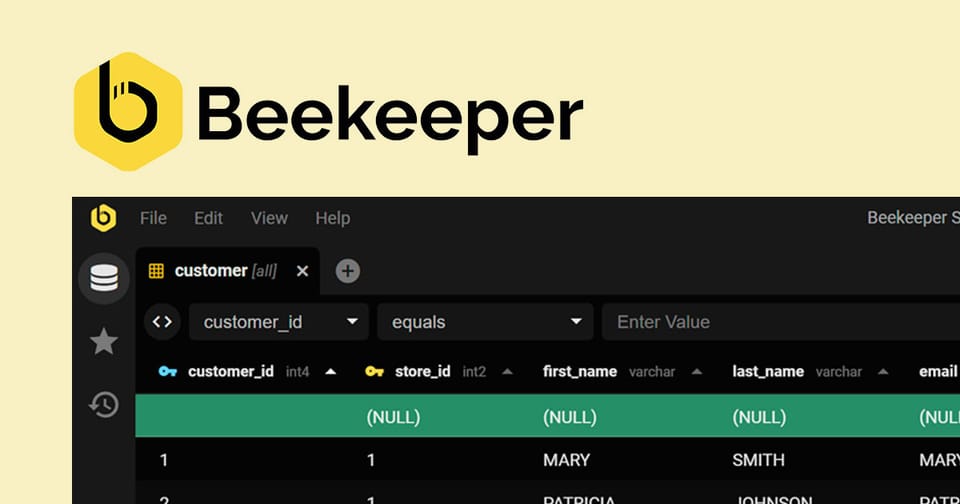
Whether you’re troubleshooting a tricky relationship or just curious about how Directus translates its sleek UI into raw data, poking around a version with the underlying SQLite database is a great way to learn.
Here is a guide on how to use Beekeeper Studio, a clean, cross-platform SQL editor, to interact with your Directus project from the "inside."
Why Beekeeper Studio?
While Directus has a built-in data studio, Beekeeper is perfect for:
- Batch editing data faster than a web UI allows.
- Inspecting schema (like the
directus_system tables). - Testing SQL queries before implementing them in code.
1. Connecting to the Database
Directus stores its SQLite data in a single file, usually named data.db.
- Open Beekeeper Studio and select SQLite as the connection type.
- Browse to your Directus project folder and select the
data.dbfile. - Click Connect. You’ll now see a sidebar full of tables.
2. Understanding the Table Structure
You'll notice two types of tables:
directus_tables: These are the "brains." For example,directus_fieldstracks your columns, anddirectus_collectionstracks your tables.- Content tables: These are the tables you created (e.g.,
posts,products).
If you change a value in a row within Beekeeper and save, those changes will reflect instantly in the Directus App.
3. Creating Tables Directly in SQL
What happens if you bypass the Directus UI and run a CREATE TABLE command in Beekeeper?
CREATE TABLE external_data (
    id INTEGER PRIMARY KEY,
    content TEXT
);
Use code with caution.
By default, Directus won't show this table in the sidebar. This is because Directus is "un-opinionated" - it doesn't assume you want every database table managed by the CMS.
4. Bringing "Ghost" Tables into Directus
To make your new external_data table visible in Directus:
- Go to Settings > Data Model.
- You will see a section at the bottom (or a notice) for Untracked Tables.
- Click your table and select Set up Management.
Directus will now add the necessary metadata to its system tables so you can manage that "external" data alongside your other collections.
Pro Tip: The "Safety" Rule
Directus handles its own migrations. While it’s safe to edit data in Beekeeper, avoid manually altering system tables (anything starting with directus_) unless you really know what you're doing, as it can desync the CMS.