How to use Directus Search

As your data grows in Directus it becomes harder to find specific records. This is where Search really shines. This article will cover how to perform a search in Directus and use filters.
To search for a record in Directus, make sure to open the collection or file library where the record exists, then click the search icon (magnify glass) near the top right corner. Type your search term and the query will automatically run.
Unfortunately there is no global search for Directus, you must have the collection or file library open first. Once open, click the magnify glass icon to reveal the input field ready for typing.

The query will happen automatically once you stop typing.
Advanced Search
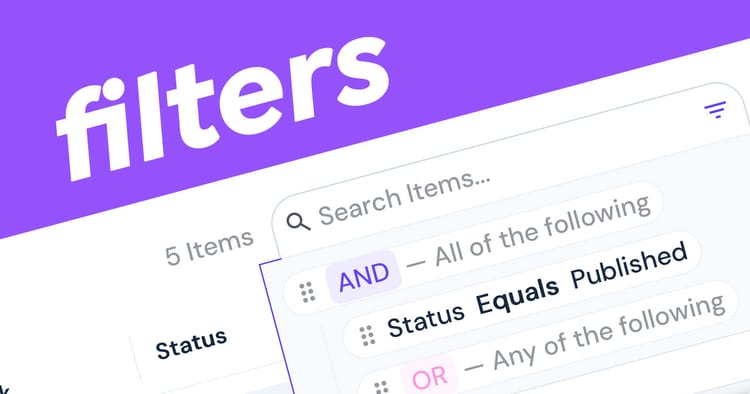
You can also use filters to limit the scope of your search such as only published items or only items created today.
Start by clicking on the funnel icon next to the magnify glass and click on the button to add some filters. A list of fields will drop down where you can click on a field to add it to the workspace.
By default, the operator will be Contains or Equals depending on the field type but this can be changed to however you want to compare the value. Dates and dropdown fields have a convenient value selector, otherwise you can simply type the value.
For more advanced options, please read my article of Mastering Filters in Directus.
 Tim Butterfield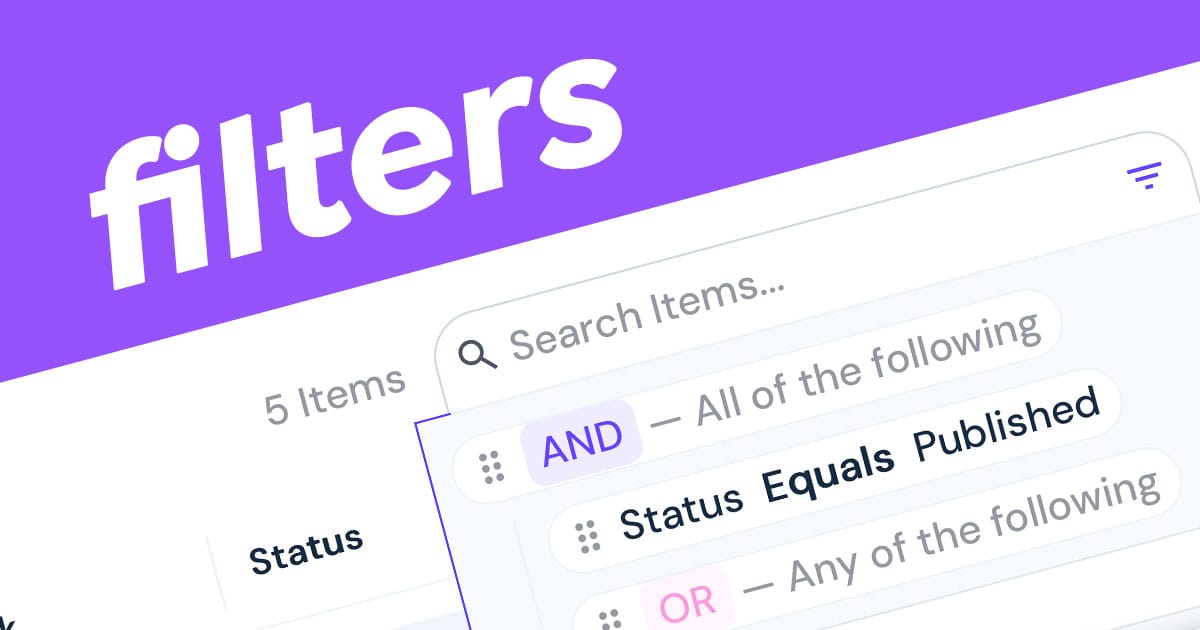
Search Optimization
As collections get larger and contain several large text areas, search can become very slow. In version 11, there is an option in the field configuration to exclude fields from textual search. Here are some suggestions to improve search performance.
- Exclude large text fields and unwanted or irrelative values from search, especially WYSIWYG editors
- Include a keywords field or short description to represent content
- Use AI and Directus Flows to generate a short paragraph that can be used for search
- If you have access to the Directus log history, find all search queries and compile a list or if you're using search on a front-end solution, use an analytics platform to capture this information. With this list, look for negative patterns, slow response times, timeouts or simply test a few for yourself. This can help identify areas for improvement.
Conclusion
Search is a powerful tool in Directus especially paired with filters. With version 11, it can be configured further to improve results and performance. Search can also be utilized on font-end systems via the API and SDK making Directus truly a powerhouse solution for all.