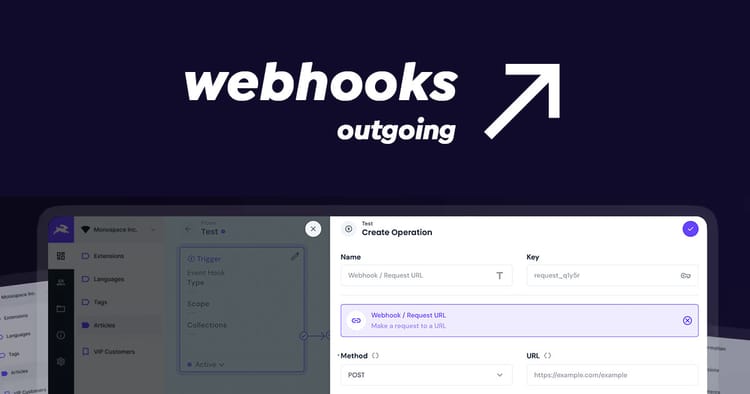
Permalink Generator Operation
Are you using Directus as a CMS and need help creating permalinks for your pages? This operation automatically generates hierarchical permalinks for URLs or IDs based on parent-child relationships using Directus Flows.
Install the Permalink Generator Operation from the Directus Marketplace or via npm i @timio23/directus-permalink-operation. Then you can create a workflow that checks relational fields and produces a hierarchal string that you can write back to the permalink field.
The Permalink Generator Operation uses a M2O hierarchical parent/child structure to look back and fetch the defined field's value for all ancestors until the parent field is null. Each value uses Slugify to remove unsafe characters and change spaces to hyphens. The result is stitched together using the defined separator, prefix and suffix.
The package is published on NPM.
Requirements
- Directus 11.x
- Collection with M2O Relation to itself Eg "Parent"
Usage
When creating or editing a flow:
- Add a new operation and select Permalink Generator from the list
- Select the Collection
- Select the Parent field
- Select the Slug/Title field
- Either include the item's ID in the key field or provide a payload with the parent's ID and slug/title.
The final result is output as a string.
Optional
There is the option for a prefix and suffix which will be added to the final permalink. The separator can be defined when stitching values together such as a / for URLS or - for IDs.
Examples
This can be used in a filter (blocking) workflow when an item is created to generate a permalink and added to the payload before being written to the database. Then again as an Action (non-blocking) when items' parent fields are updated to regenerate child item's permalinks.
The same approach can be used to generate Hierarchy/Contextual ID such as Archival references.
Root page
Title: "Visit Us"
Parent: null
Prefix: "/"
Generated: /visit-us
Child page
Title: "Our Campus"
Parent: "Visit Us"
Prefix: "https://example.com/"
Generated: https://example.com/visit-us/our-campus
ID
Ref: "382"
Parent: "1" with a parent reference of ABC
Prefix: "GB1112-"
Separator: "-"
Generated: GB1112-ABC-1-382
Conclusion
This extension bridges the gap between page slugs and frontend routing. Having a permalink makes looking up pages significantly easier and more performative.