How to post Directus content to a Github repo
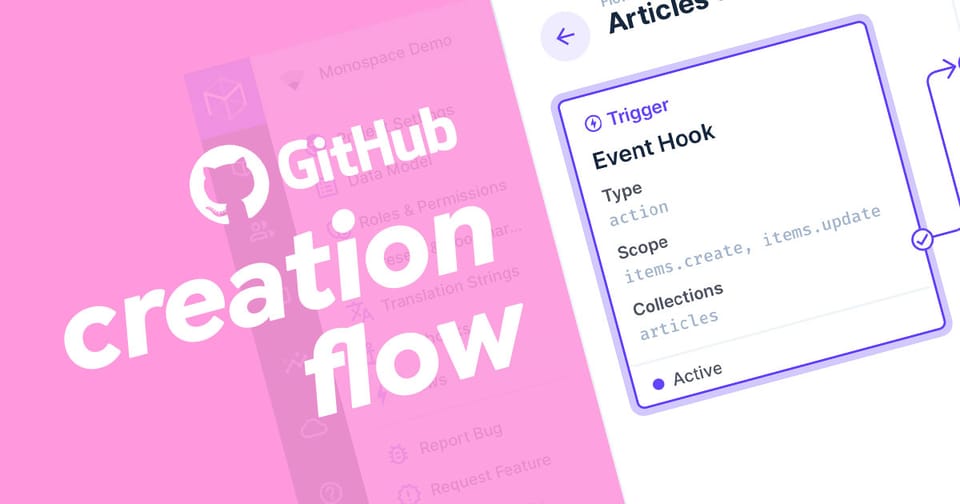
Ever wanted to automatically write content from Directus to a Github repo? This article will show you how.
To post Directus content to Github, you'll need to set up workflows on the item:create and item:update for the collection and use my extension called Base64 Operation to encode the content and finally use the Web Request operation to PUT the request to your Github repo.
You will need the following to complete this tutorial:
- admin rights to your Directus project
- install the Base64 operation from the Marketplace or
npm i @timio23/directus-operation-base64. - A Github Personal Access Token with permission to write to your repo.
Step 1: Creation Workflow
In Directus Flows, create a new workflow with an Event Hook trigger. Choose Action (non-blocking), set the scope to item:create, and choose the collection to watch.
We have access to the following variables in the workflow:
{{$trigger.collection}}
{{$trigger.key}}
{{$trigger.payload}}Step 2: Encode the Content for Github
Add a new operation and select Base64 Encode/Decode operation and leave the method as Encode and set the Payload to the content to write to the Github file. For the entire payload, use {{$trigger.payload}} or a specific field in the payload {{$trigger.payload.content}}. If you used a Read Data operation to fetch the entire payload, make sure to change the variable to the ID of the Read Data operation, eg {{item_read_xxxxx.payload.content}}.
The output from this operation will be a string.
Step 3: Submit the Github API Request
Now that we have the encoded content, the request can be made. According to the GitHub API documentation, the request looks like this:
curl -L \
  -X PUT \
  -H "Accept: application/vnd.github+json" \
  -H "Authorization: Bearer <YOUR-TOKEN>" \
  -H "X-GitHub-Api-Version: 2026-03-10" \
  https://api.github.com/repos/OWNER/REPO/contents/PATH \
  -d '{"message":"my commit message","committer":{"name":"Monalisa Octocat","email":"[email protected]"},"content":"bXkgbmV3IGZpbGUgY29udGVudHM="}'
The message and content are the only required fields in the body, but if you want it to go in a different branch, you'll need to add "branch": "name-of-branch".
Create a new Web Request operation and set the URL to https://api.github.com/repos/OWNER/REPO/contents/PATH where the OWNER is the account owner of the repo, REPO is the name of the repo and PATH is the file path from root including the destination file name.
Set the method to PUT by clicking on Other from the list and typing PUT.
Create the 3 headers listed in the code above by clicking the Create New button and populating the Header field with the key and the Value field with the value like in the table below.
| Header | Value |
|---|---|
| Accept | application/vnd.github+json |
| Authorization | Bearer PERSONAL_ACCESS_TOKEN |
| X-GitHub-Api-Version | 2026-03-10 |
Lastly, set the Body to the following JSON where the base64_encode key is the ID of your operation from Step 2.
{
    "message": "Your chosen message for the commit",
    "content": "{{base64_encode_xxxxx}}",
    "branch": "optional"
}
Save changes and test the workflow by creating an item in your chosen collection.
Conclusion
This article gives you the foundations for developing Github workflows with Directus using the Github API. Next, have a look at the next article about updating existing files in Github.
 Tim Butterfield